Browser-Based Remote Desktop on Morph Cloud
tl;dr Launch full Linux desktop environments in your browser. For the fastest path to a shareable desktop preview, use Devboxes (workspaces); for low-level control, use instances/snapshots primitives.
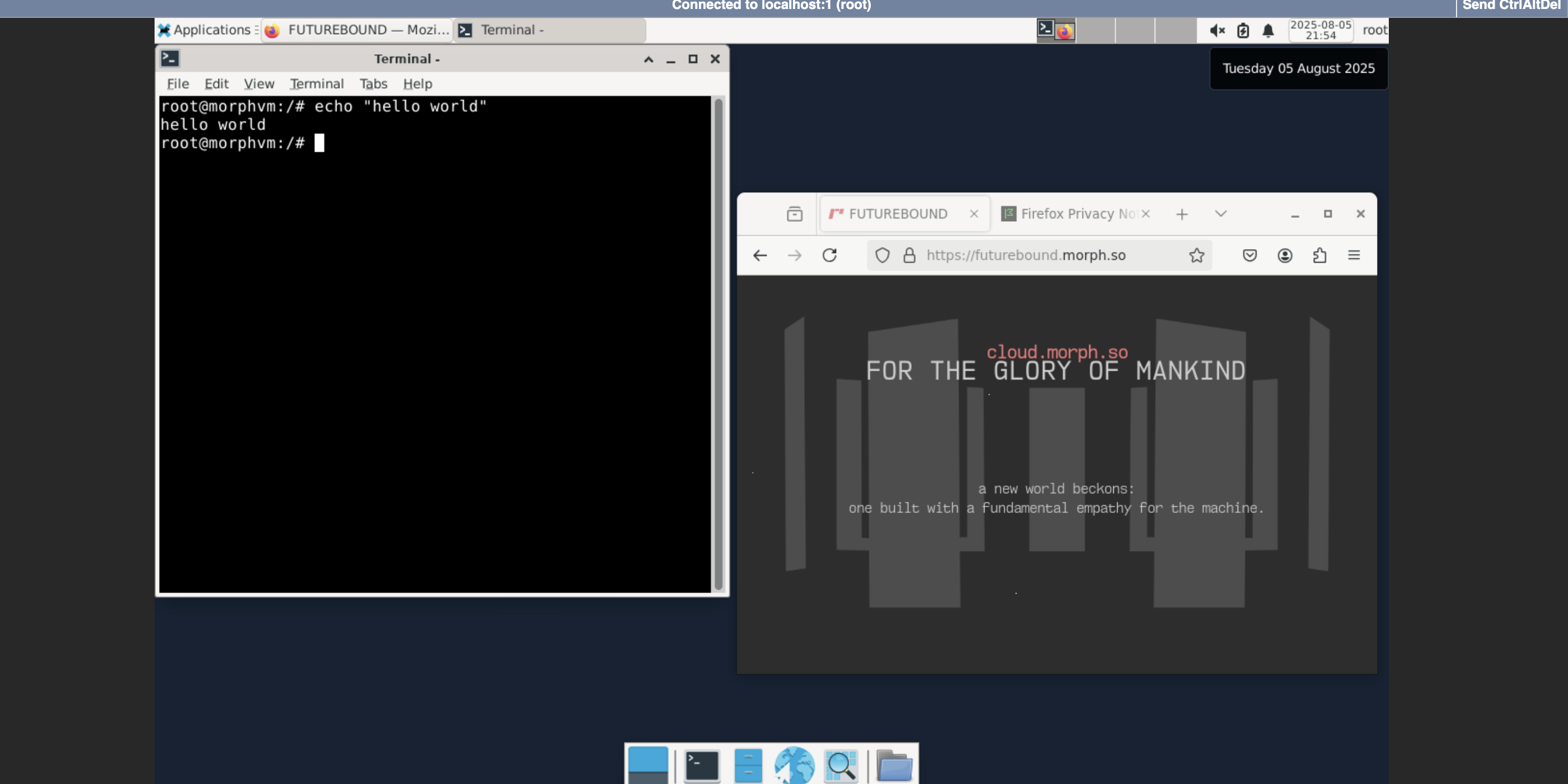
Prerequisites
Install the Morph Cloud SDK
To get started, install the Morph Python SDK:
uv pip install morphcloud
Set your API key
export MORPH_API_KEY='your-key-here'
You can generate an API key in the Morph Cloud console.
Quick Start
Launch full Linux desktop environments accessible through your web browser. Perfect for development, testing, and remote work scenarios.
Recommended: Devboxes for prototyping + sharing
Devboxes make it easy to expose and share an interactive preview URL. See Devboxes → Prototyping.
📁 Complete Remote Desktop Example
The example includes:
- Full XFCE desktop environment setup
- VNC server configuration
- noVNC web interface for browser access
- Service exposure and URL management
- Snapshot creation for reusable desktop environments
Getting Started
# Install dependencies
uv pip install morphcloud

# Set your API key
export MORPH_API_KEY='your-key-here'

# Clone and run the complete example
git clone https://github.com/morph-labs/morphcloud-examples-public.git
cd morphcloud-examples-public/remote-desktop
python remote-desktop_setup.py
Once setup is complete, you can launch new desktop instances instantly from the created snapshot for parallel testing and isolated desktop environments.